Quick answer
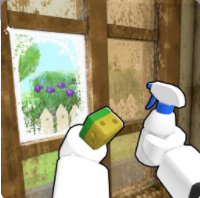
Controls matter because Flip a House is a repetitive route game. Use settings and camera angles that make trash, grime, furniture prompts and evidence screenshots readable.
In-game screenshots
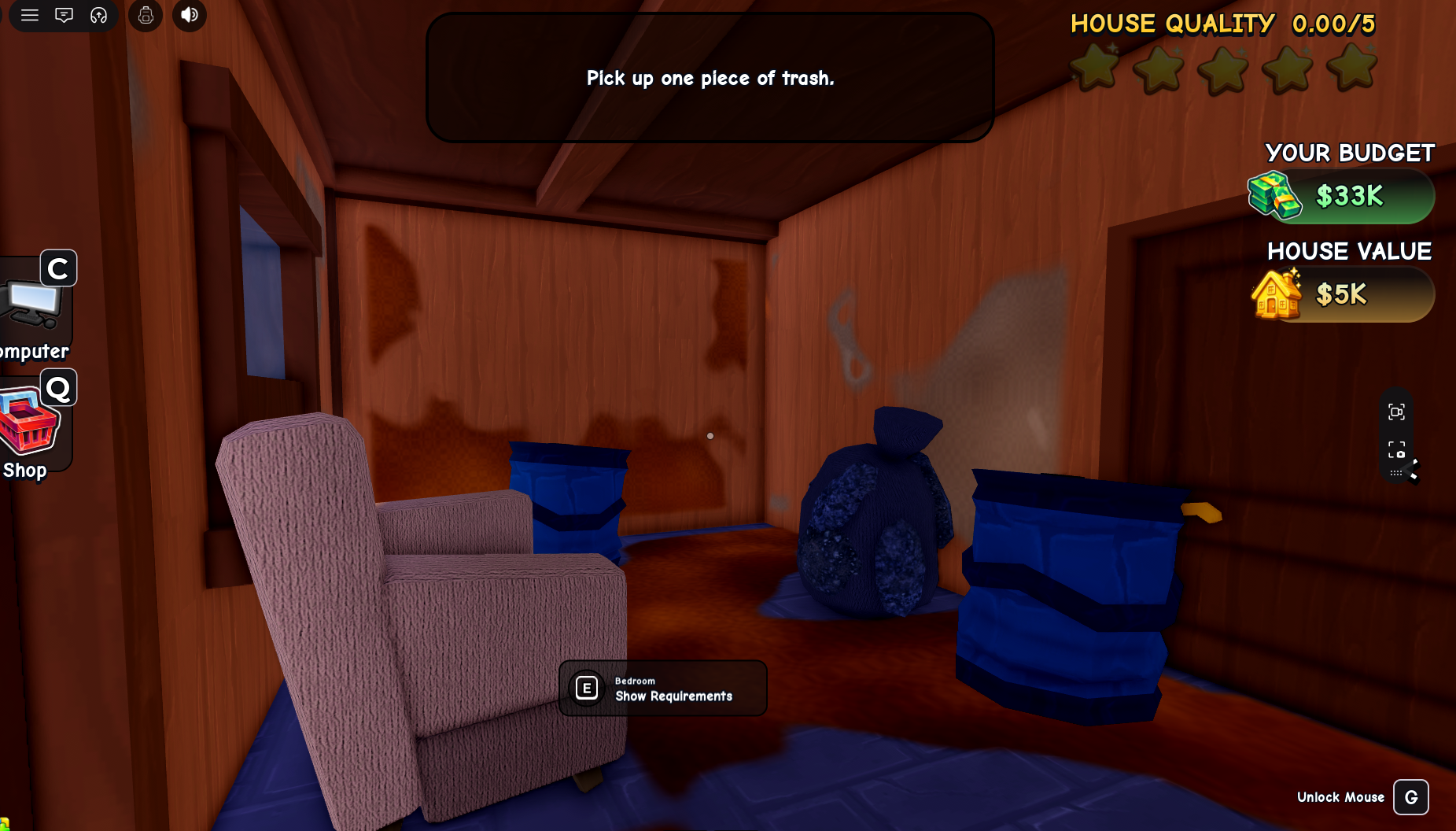
In-game source screenshots
Player setup
- Keep the camera far enough back to see room corners.
- Slow down when reading tool or store cards so screenshots are sharp.
- Capture the full UI when documenting prices, timers or rewards.
- If a value is cropped, do not publish it as verified.
Evidence capture tips
- 1
Open the exact panel you want to document.
- 2
Wait for animations or pop-ups to settle.
- 3
Capture the whole card including title, price, reward and timer.
- 4
Name the screenshot by feature and date before adding it to the site.
Source standard
Official Roblox metadata and creator-owned descriptions take priority. Values transcribed from in-game screenshots are dated observations, not guarantees of current prices, purchase terms or gameplay effects.
Common questions
Flip a House FAQ
Why does this site care about full UI screenshots?
Because cropped images can hide conditions, timers or currency labels that change the meaning of a value.
Is this a keybind page?
It is mainly a practical setup and screenshot evidence page until more current-build control UI is captured.