Independent Roblox guide
Flip a HouseWiki & Upgrade Guides
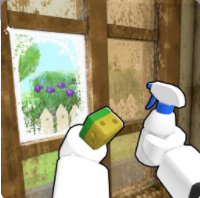
Clean the abandoned house, furnish it, sell for BIG MONEY, and reinvest into better gear. The site is built like a source ledger: official metadata first, current-build screenshots second, and third-party signals clearly labeled.
Current signals
Updates, codes, shop and crate watch
These are the pages that should move fastest when you bring back social posts, tracker changes or in-game screenshots. Unconfirmed items stay useful, dated and visibly labeled.
Updates and Patch Tracker
A dated Flip a House update tracker using official Roblox metadata, Events checks and current-build evidence boundaries.
Code statusCodes and Free Rewards
Current Flip a House code status, Like + Join Group reward guidance, and fake-code warnings for Roblox players.
Shop and bundlesShop, Bundles and Boosts Guide
A screenshot-backed Flip a House shop guide covering starter pack, Founder's Bundle, cash, boosts, paintbrush, galactic shop and special bundle screenshots.
Crates and oddsCrates and Odds Guide
A screenshot-backed Flip a House crates and odds guide covering the Get More Crates panel and in-game odds screenshots.
Official gameplay video
Watch the basic flip flow before reading tables
Choose your next move
Guides built around the clean → furnish → sell loop
The directory is organized by player tasks. Exact house names, tool lines, vans, bundles and odds stay attached to screenshots instead of copied tables.
Beginner Guide
A first-session route for Flip a House on Roblox: clean trash, scrub rooms, furnish, sell, upgrade gear and avoid fake-code traps.
House progressionHouses and Progression Guide
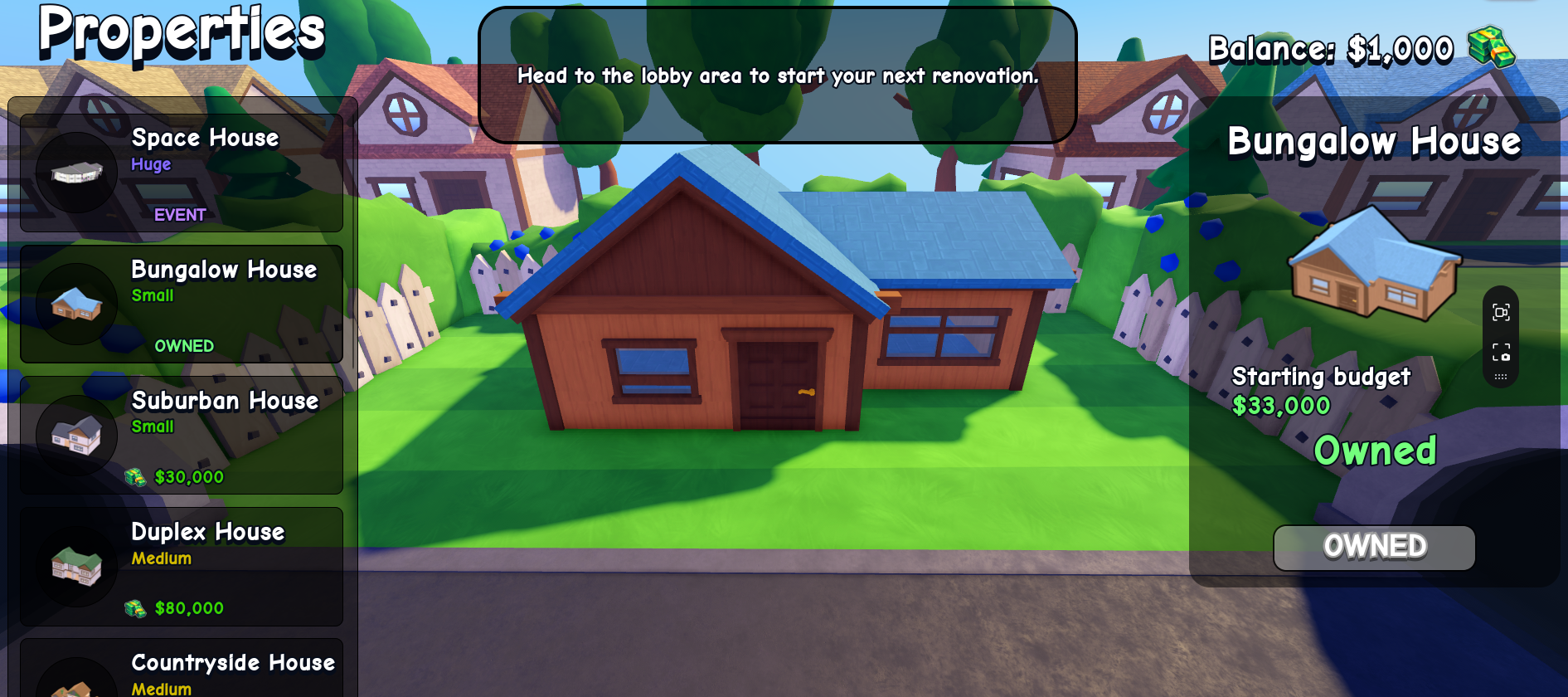
A screenshot-backed Flip a House house list with progression advice for Suburban House, Bungalow House, Countryside House, Duplex House, Beach House, Large Family House, Modern House, Mansion, Penthouse and Space House.
Tools and equipmentEquipment, Tools and Upgrade Priority
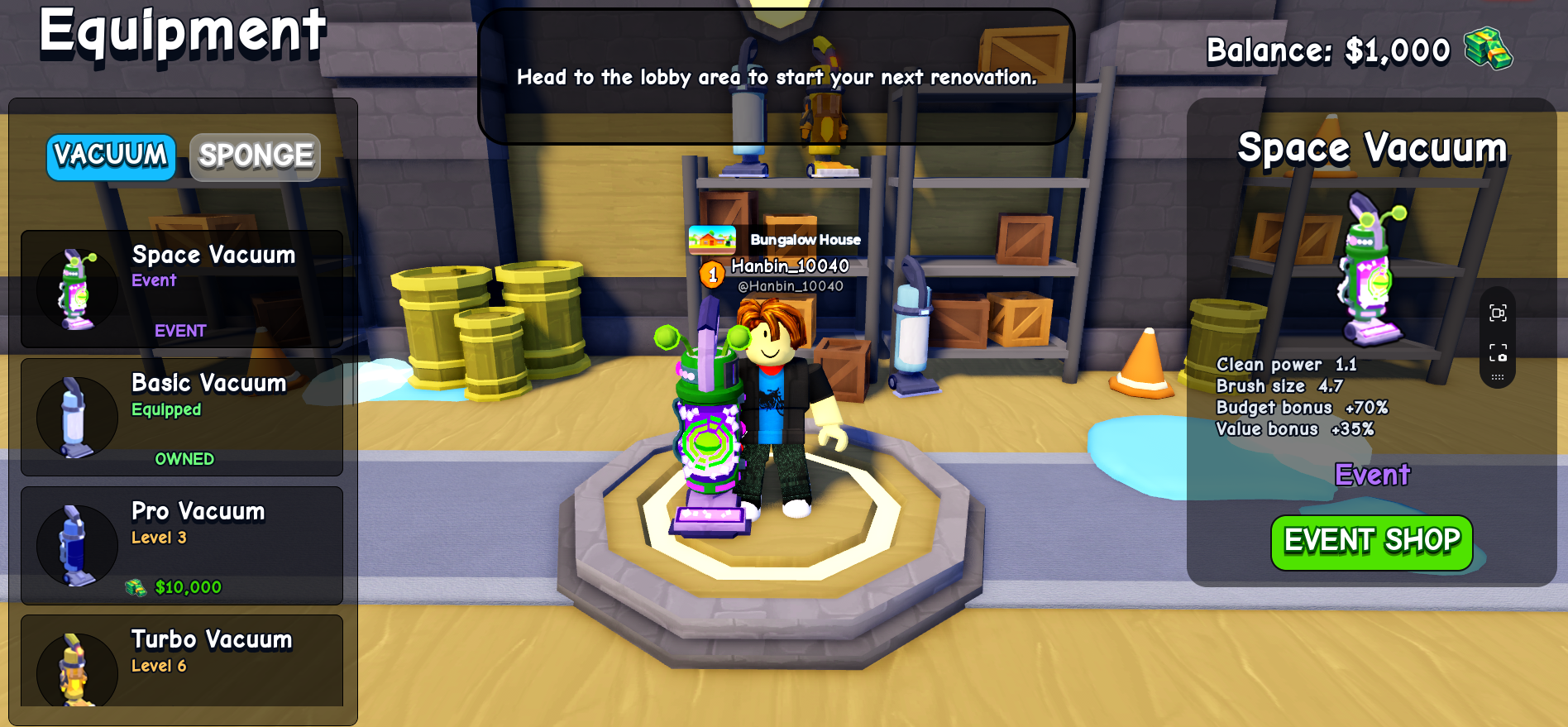
A screenshot-backed Flip a House equipment guide covering Vacuum upgrades, Sponge and Scrubber tools, upgrade priority, and what to measure before buying the next tool.
ProfitMoney-Making Tips
How to increase cash per minute in Flip a House by balancing cleaning speed, furniture spend, house tier and co-op roles.
CleaningCleaning Guide
A practical cleaning route for Flip a House: trash first, surfaces second, room checks, missed dirt and faster clears.
FurnitureFurniture and Selling Guide
How to furnish rooms, avoid over-spending, read buyer offers and decide when a Flip a House sale is good enough.
VansVans Guide
A screenshot-backed Flip a House vans guide covering Starter Van, Handyman Van, Contractor Van, Renovator Van, Mogul Van and Founder's Edition Van.
Co-opCo-op Guide
How to split roles with friends in Flip a House and why co-op can improve large-house cash per minute.
The verified loop
One house, four decisions
The strongest pages explain the loop before they show every screenshot. This keeps the site useful even when exact values shift after an update.
Enter the job
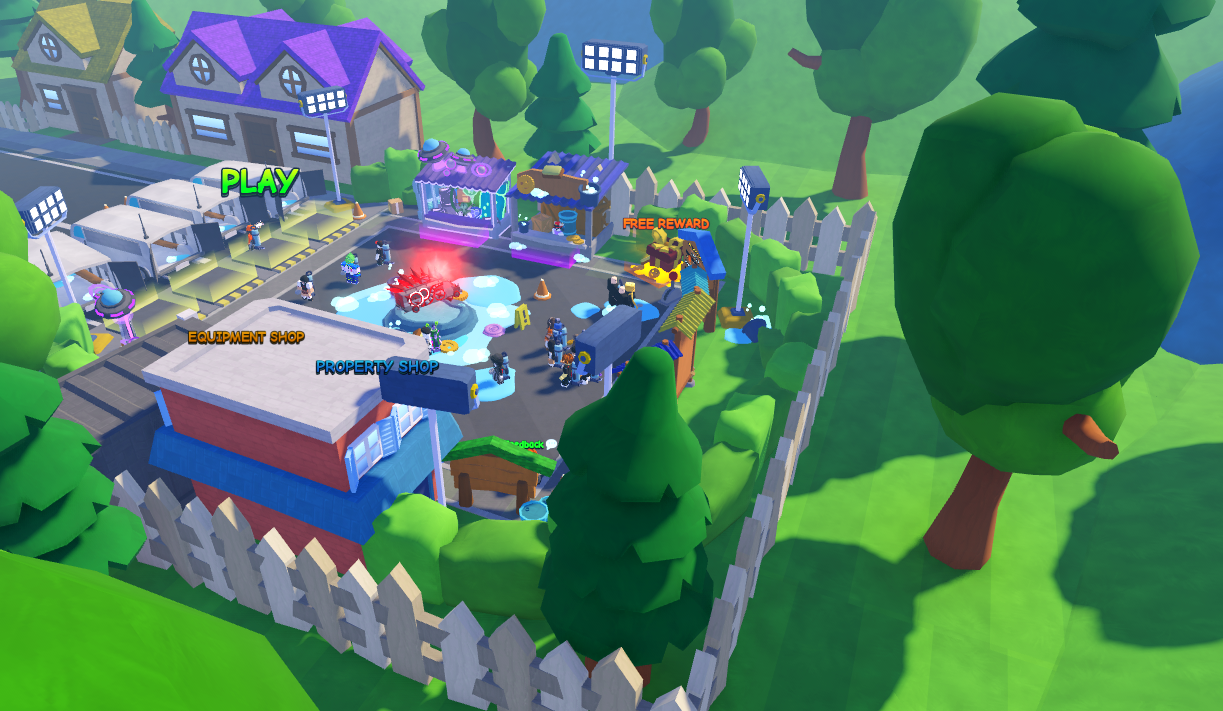
Start from the lobby, choose the property, and read the visible objective before spending.
Clean the shell
Clear trash and surfaces first so the house layout becomes readable.
Furnish with purpose
Add furniture after the house is sellable, not before the cleaning bottleneck is solved.
Sell and reinvest
Use the payout to upgrade the tool or house tier that actually improves cash per minute.
Screenshot-backed, not screenshot-dumped
Use images as evidence, then route players to the right page
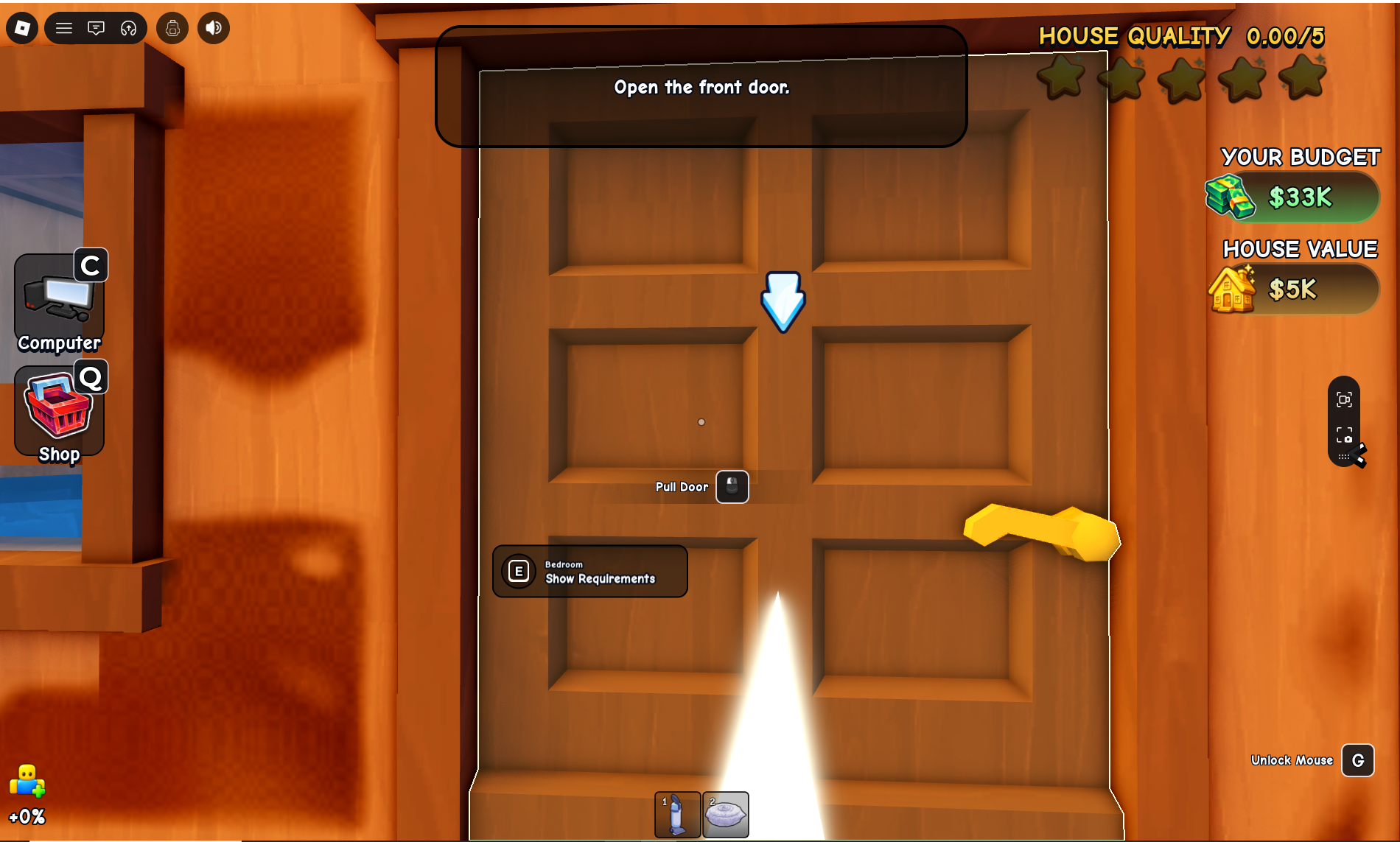
Houses, equipment, vans, shop bundles and odds are all valuable, but they need hierarchy. The homepage now shows a small curated wall; detail pages hold the full evidence set.
- Guide pages keep full screenshot evidence close to claims
- Homepage only surfaces the most useful visual anchors
- Unverified tracker and social signals stay labeled
Current research status
Official facts first, useful signals second
Official Roblox metadata stays the source of truth. Third-party trackers, YouTube RSS and social posts feed the update watchlist as dated intelligence, but rewards, event timing, codes and balance claims still need in-game or creator-owned confirmation.